
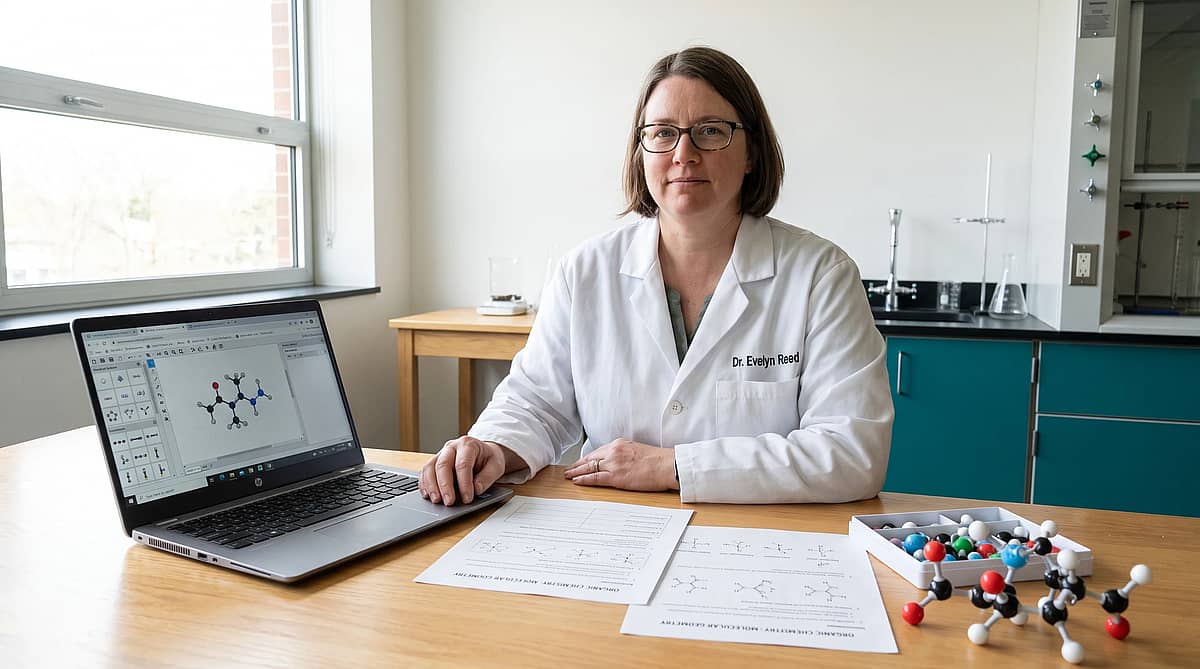
ChemDraw Online Free: What to Use Instead
ChemDraw online free is a practical search when you need one of two jobs done: draw an exact molecule or explain chemistry clearly to someone else. Those are related tasks, but they are not the same task. A structure editor helps you place atoms and bonds accurately. A science diagram tool helps you turn chemistry into a slide, worksheet, poster, or manuscript figure that a reader can understand quickly.
If you need exact atom-by-atom drawing, start with free structure editors such as PubChem Sketcher, MolDraw, RCSB Chemical Sketch Tool, or ChemSketch Freeware. If you need an explanatory figure around a reaction, pathway, lab workflow, or classroom concept, use the structure editor for the molecule and a diagram tool for the story around it.
Turning chemistry notes into a worksheet or presentation figure? Use Vizcept AI Diagram Maker → after you sketch the molecule, so the final visual explains the concept instead of only showing a structure.
TL;DR: choose the free tool by the job
Use this decision table before you download anything or sign up for a trial.
| What you need to do | Start with | Why it fits |
|---|---|---|
| Draw a small molecule online | PubChem Sketcher, MolDraw, FreeChemDraw | Fast browser sketching with no desktop install. |
| Search by chemical structure | RCSB Chemical Sketch Tool or PubChem | Built for database-backed search, not just drawing. |
| Build classroom handouts | Free structure editor + Vizcept AI Diagram Maker | Molecule accuracy plus a clear teaching layout. |
| Make publication-style explanatory figures | Structure editor + Graphical Abstract Maker | A molecule alone rarely explains the whole study. |
| Need ChemDraw file exchange in a lab | ChemDraw trial or institutional license | CDX/CDXML workflows may matter more than price. |
The short version: free tools can replace ChemDraw for many quick sketches. They do not replace every lab workflow, especially when collaborators expect ChemDraw-native files.
ChemDraw online free options compared
Most ranking pages show a list of tools. The missing step is matching each option to the situation where it actually saves time.
FreeChemDraw for quick browser sketches
FreeChemDraw ranks well because it speaks directly to the search intent: draw and edit chemical structures in the browser. It is a good first stop when you need a fast molecule sketch and do not want to install software.
Use it for simple structures, classroom examples, and quick exports. Check export options before you commit a whole worksheet to it, because the final file type often determines whether the diagram is easy to edit later.
MolDraw for a lightweight ChemDraw alternative
MolDraw is another browser-based option for drawing structures, working with SMILES, and exporting common chemistry formats. It is useful when a student or teacher needs a tool that opens immediately and avoids a license discussion.
The tradeoff is depth. If your department uses a specific ChemDraw template or expects CDX exchange, test that requirement before you build a full assignment around a free editor.
PubChem Sketcher for reliable structure input
PubChem Sketcher is useful when the structure needs to connect with PubChem-style searching or validation. It is less about making a polished teaching graphic and more about entering or editing a structure accurately.
Use it when the molecule itself is the main object. For a lecture slide, you will usually still want to place that molecule inside a larger explanatory layout.
RCSB Chemical Sketch Tool for structure search
The RCSB Chemical Sketch Tool is built around chemical search. That makes it valuable when you are moving from a drawn structure toward data, macromolecular context, or database discovery.
It is not the right place to design a full classroom visual. It is the right place to start when the next step is search and verification.
MolView for visual exploration
MolView is helpful for exploring and viewing molecular structures in a web interface. It fits students who need to inspect a molecule, understand geometry, or move between a formula and a visual representation.
For teaching, MolView can provide the molecular view. Your handout still needs labels, arrows, context, and a clear learning objective.
ChemSketch Freeware for desktop classroom use
ChemSketch Freeware is worth considering when offline access matters. It is aimed at students and academic use, which makes it a practical option for courses where browser access is unreliable.
The downside is setup friction. For one quick online diagram, a browser editor is faster. For a semester of chemistry drawings, desktop freeware can be easier to standardize.
What free tools do not replace in ChemDraw
ChemDraw is often used as a lab standard, not only as a drawing canvas. That difference matters.
Free tools may handle everyday molecule sketches. They may not handle every ChemDraw-native file, institutional template, ELN workflow, naming workflow, or collaboration habit your lab already depends on. If a supervisor asks for a ChemDraw file, a PNG export is not the same deliverable.
Use this rule: if the molecule must remain editable inside a chemistry-specific workflow, check compatibility first. If the molecule is only one part of a presentation or teaching explanation, free tools plus a diagram workflow can be faster.
A teacher workflow: molecule first, explanation second

A common mistake is trying to make one tool do both the structure and the explanation. That slows down lesson prep.
Use a two-step workflow instead:
- Draw or verify the molecule in a chemistry structure editor.
- Export the molecule as an image or copy a clean reference.
- Build the teaching figure around it: title, labels, arrows, reaction condition, safety note, or learning objective.
- Use consistent colors and spacing so students can compare examples across worksheets.
- Keep the editable source separate from the classroom figure.
This workflow also helps with research figures. A structure editor creates the chemical object. A diagram maker explains why the molecule matters in an experiment, mechanism, assay, or graphical abstract.
Export checklist before you choose a free editor
Before you pick a ChemDraw online free option, check the final file you need.
- PNG or SVG: useful for slides, worksheets, and web pages.
- PDF: useful for print handouts and course packs.
- MOL, SDF, or SMILES: useful when the structure must move into databases or computational tools.
- CDX or CDXML: useful when collaborators expect ChemDraw-native editing.
- Transparent background: useful when the molecule will sit inside a larger figure.
- Commercial or academic license terms: important for textbooks, paid courses, and published materials.
Do this test early: draw one molecule, export it, reopen it, and place it in the final document. If that loop works, the tool is probably fine for the assignment.
When Vizcept is the better fit
Vizcept is not a molecule editor, and that boundary is important. Use a chemistry structure editor when bond placement, stereochemistry, atom labels, or file compatibility are the deliverable.
Use Vizcept when the deliverable is a scientific explanation. Good prompts include:
- "Create a teaching diagram showing esterification from alcohol and carboxylic acid to ester and water, with reactants, products, catalyst label, and classroom-friendly arrows."
- "Make a graphical abstract for a drug delivery study showing nanoparticle formulation, cell uptake, release, and assay readout."
- "Create a lab workflow diagram for thin-layer chromatography with sample spotting, solvent front, UV visualization, and interpretation notes."
The molecule is often the evidence. The figure is the argument.
Common mistakes to avoid
Choosing by price only
Free is useful, but compatibility can cost more time than a license. If your course or lab already requires ChemDraw files, ask for the expected format before you start.
Exporting only a screenshot
Screenshots are fast, but they are hard to edit. Prefer SVG, PDF, MOL, SDF, or SMILES when the next step requires editing or reuse.
Using a structure editor as a slide designer
A molecule editor is not a layout tool. Use it for the molecule, then build the teaching or publication figure in a tool designed for communication.
Ignoring accessibility
Chemical diagrams in slides and PDFs still need readable labels, sufficient contrast, and descriptive alt text when published online. A clean molecule is not enough if students cannot read it at projector size.
FAQ
Can I get ChemDraw for free?
ChemDraw usually offers trials or institutional access rather than an unlimited free version. If you need the official software, check your university or lab license first. If you only need quick structure drawing, free online editors may be enough.
Can I use ChemDraw online?
ChemDraw has cloud and desktop options through Revvity Signals, but availability depends on the current plan, trial, or institutional license. For no-login browser sketching, compare free editors such as PubChem Sketcher, MolDraw, and FreeChemDraw.
How do I draw chemical structures online for free?
Open a browser-based structure editor, draw the atoms and bonds, verify the structure, then export the format you need. If the structure will be part of a lesson or paper figure, place it inside a larger explanatory diagram after export.
How do I install ChemDraw on a laptop for free?
Start with your school, university, or lab software portal. Many students get access through an institutional license. If no license exists, use a trial for official ChemDraw work or a free editor for simple structure sketches.
Which free ChemDraw alternative should teachers start with?
Start with the tool that matches the class activity. Use PubChem or RCSB when the activity connects to a database. Use a browser sketcher for quick structures. Use Vizcept when the final handout needs labels, arrows, and scientific context.
Conclusion
A ChemDraw online free search should not end with one universal winner. It should end with the right workflow. Use a free structure editor for molecules, verify the export format, and use a science diagram tool when the job is to teach, present, or publish the idea around the molecule.
Table of Contents
Author
Categories
Tags
More Posts

Definition of Terms in Research: Examples, Format, and Mistakes
A thesis-ready guide to definition of terms in research, with examples, source rules, formatting tips, and mistakes to avoid.

How to Make Scientific Diagrams for Research Papers
A practical workflow for turning research ideas into clear, journal-ready scientific diagrams without rebuilding every figure from scratch.
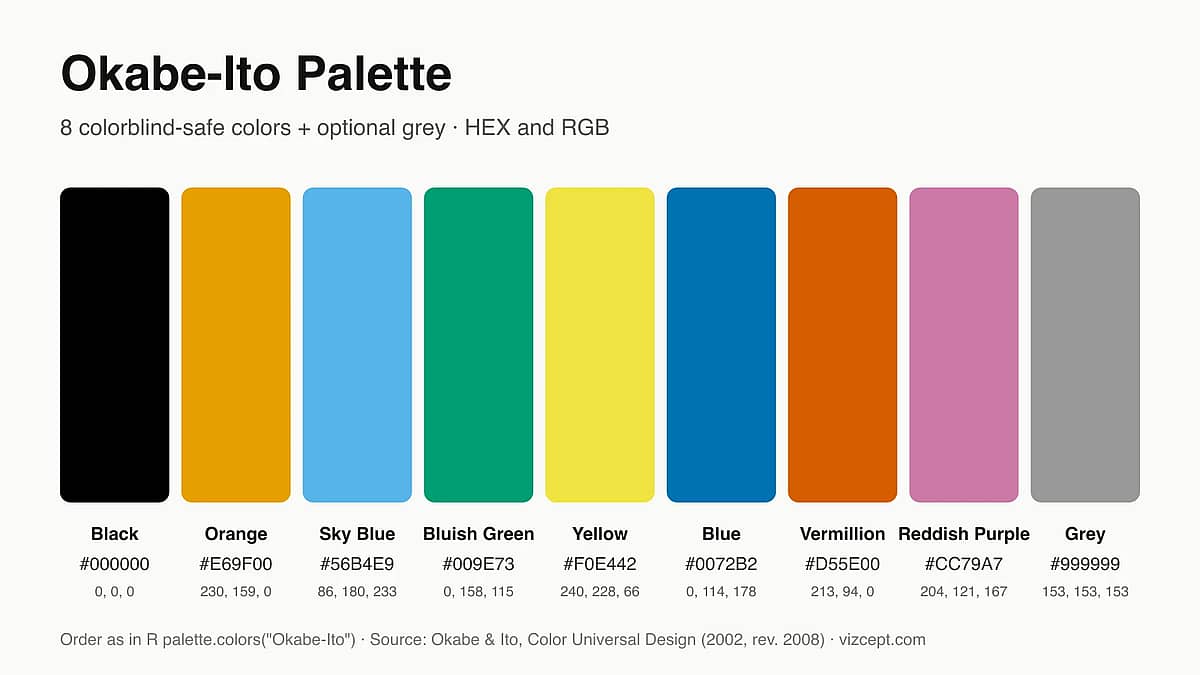
Okabe-Ito Palette: Why It's the Gold Standard for Scientific Figures
A complete guide to the Okabe-Ito palette — where it came from, why those exact eight colors, when to use it, and how it compares to other colorblind-safe palettes.
Newsletter
Join the community
Subscribe to our newsletter for the latest news and updates
