


AI Diagram Maker — Generate Scientific Diagrams Instantly

Transform your ideas into professional scientific diagrams with AI. Describe your topic and get publication-ready figures in seconds.

Publication-ready in seconds300 DPI PNG + SVGNo credit card required

AI Diagram Maker

Optional

Your first diagram is free — no sign-up needed (2K with watermark)

Describe your topic on the left to generate your own diagram

Turn Text Into Diagrams With AI

No templates. No drag-and-drop.

Skip the blank canvas. Tell the AI what you're working on and get a structured diagram back — designed around your actual content, not generic shapes.

1

Write What You're Thinking

Paste your research question, lecture outline, or project brief. The AI reads context — not just keywords — so describe your topic the way you'd explain it to someone.

2

Get a Structured Diagram

The AI identifies the concepts, hierarchies, and cause-effect chains in your description. Within 30 seconds you get a diagram that organizes your thinking visually.

3

Export Print-Ready Files

Download as 4K PNG for presentations and posters, or SVG vector for fine-tuning in Figma, Illustrator, or Inkscape. Every export is 300 DPI and publication-ready.

One Tool, Three Workflows

Students · Researchers · Educators

The same AI diagram maker handles a homework assignment on Monday and a journal figure on Friday. Here's how different users put it to work.

Student creating a scientific diagram on laptop for coursework

Students

From first-year to final thesis

You know what your project is about — you just can't get it onto paper visually. Describe your topic and the AI builds a clear diagram you can submit, present, or include in your thesis.

  • Works at 11 PM the night before — results in 30 seconds
  • Handles any subject: biology, business, psychology, engineering
  • Free credits on sign-up — no payment info needed
Make Your First Diagram
Researcher reviewing publication-ready figure for journal paper

Researchers

Publish faster, revise easier

Reviewer 2 wants a clearer figure. Your co-author needs the framework updated. Instead of rebuilding from scratch in PowerPoint, re-describe and regenerate — new diagram in seconds.

  • Editable SVG output — adjust labels and layout in any vector editor
  • 4K Ultra HD for conference posters and large-format prints
  • Consistent visual style across multiple figures in the same paper
Generate a Figure Now
Educator using scientific diagram on classroom projector for teaching

Educators

Prep less, teach more

Stop spending Sunday nights searching for the right diagram online. Describe what you're teaching this week — the AI builds a diagram sized for your slides, handouts, or whiteboard.

  • Match the diagram to your lesson — not the other way around
  • High-contrast output that reads clearly on projectors
  • PNG for slides, printable format for worksheets and exams
Build a Lesson Diagram

Generated by AI, Used in Real Work

Browse by subject

Every image below was generated from a plain-text description. Click any example to load the same prompt and try it yourself.

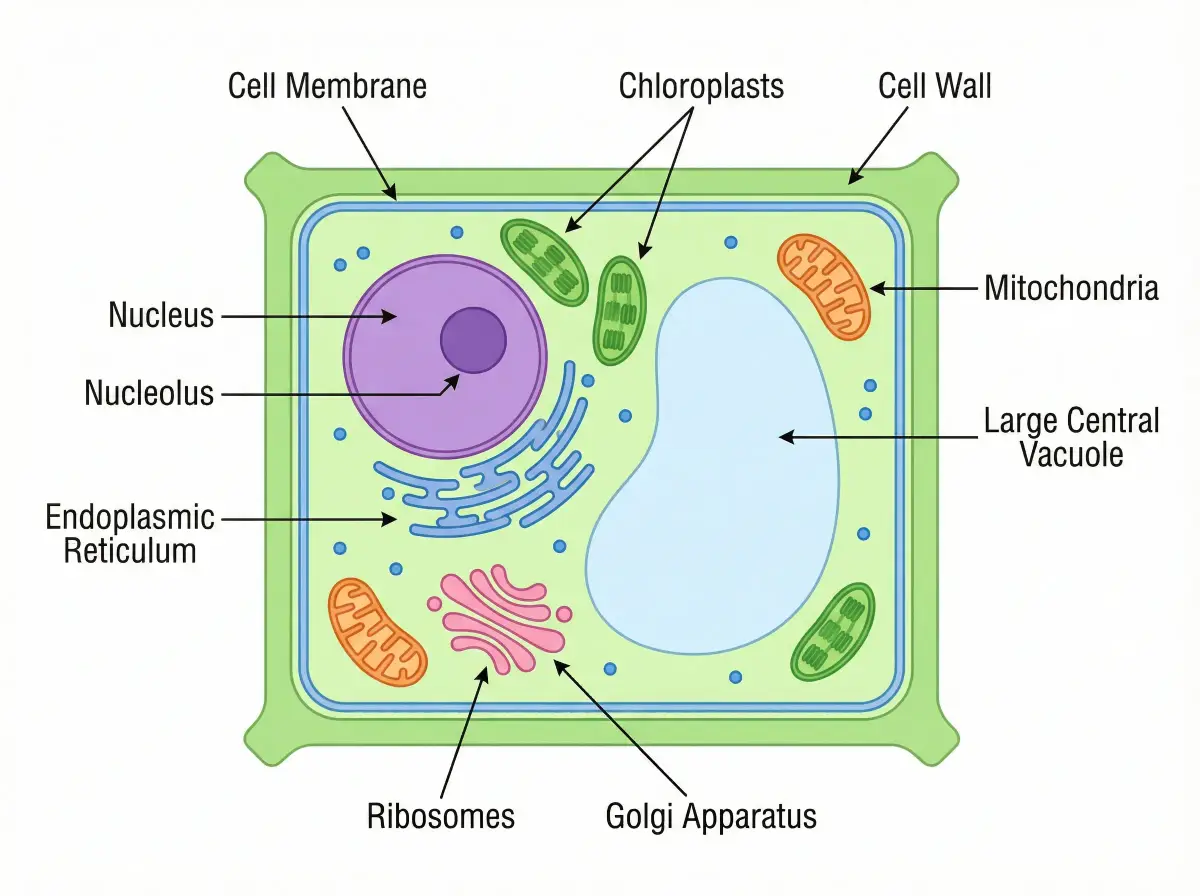
Plant Cell Structure

Plant Cell Structure

Organelles, membranes, and internal layout

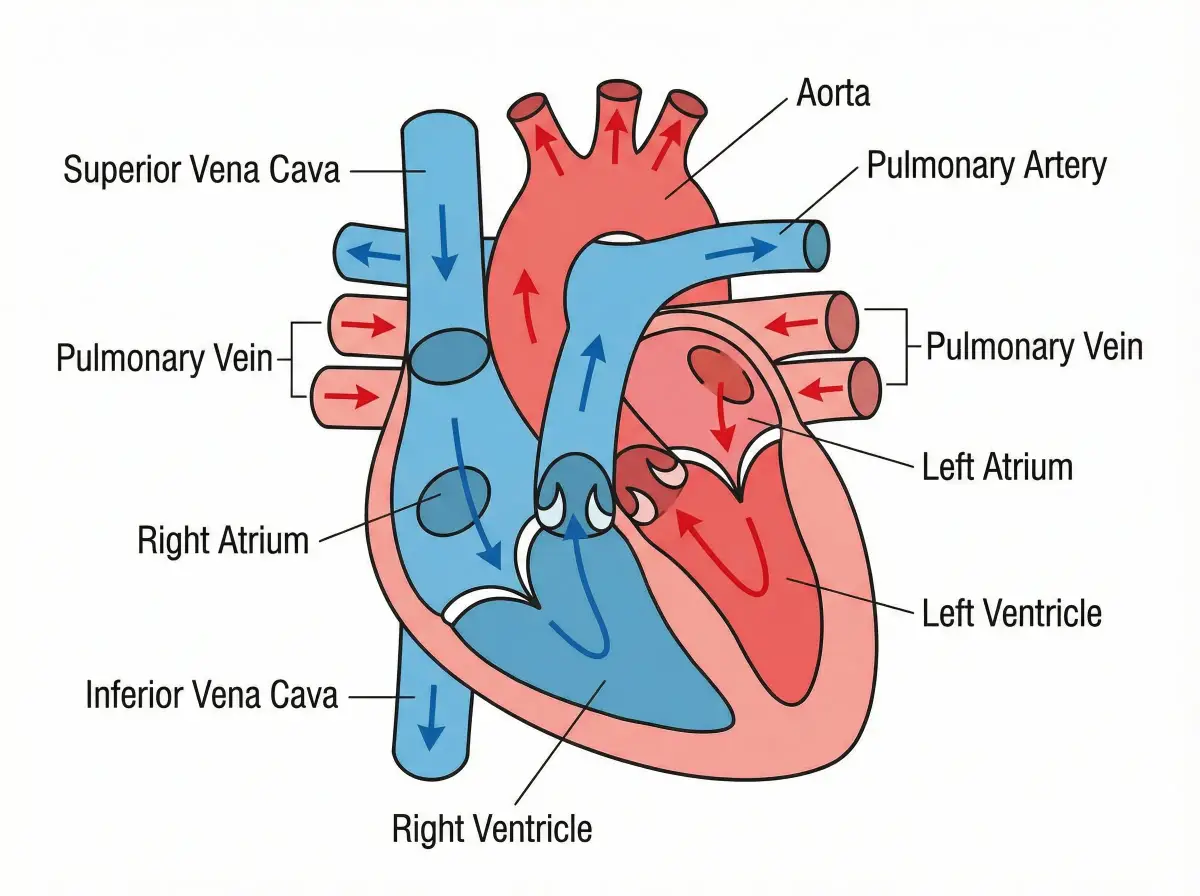
Human Heart Anatomy

Human Heart Anatomy

Blood flow path through four chambers

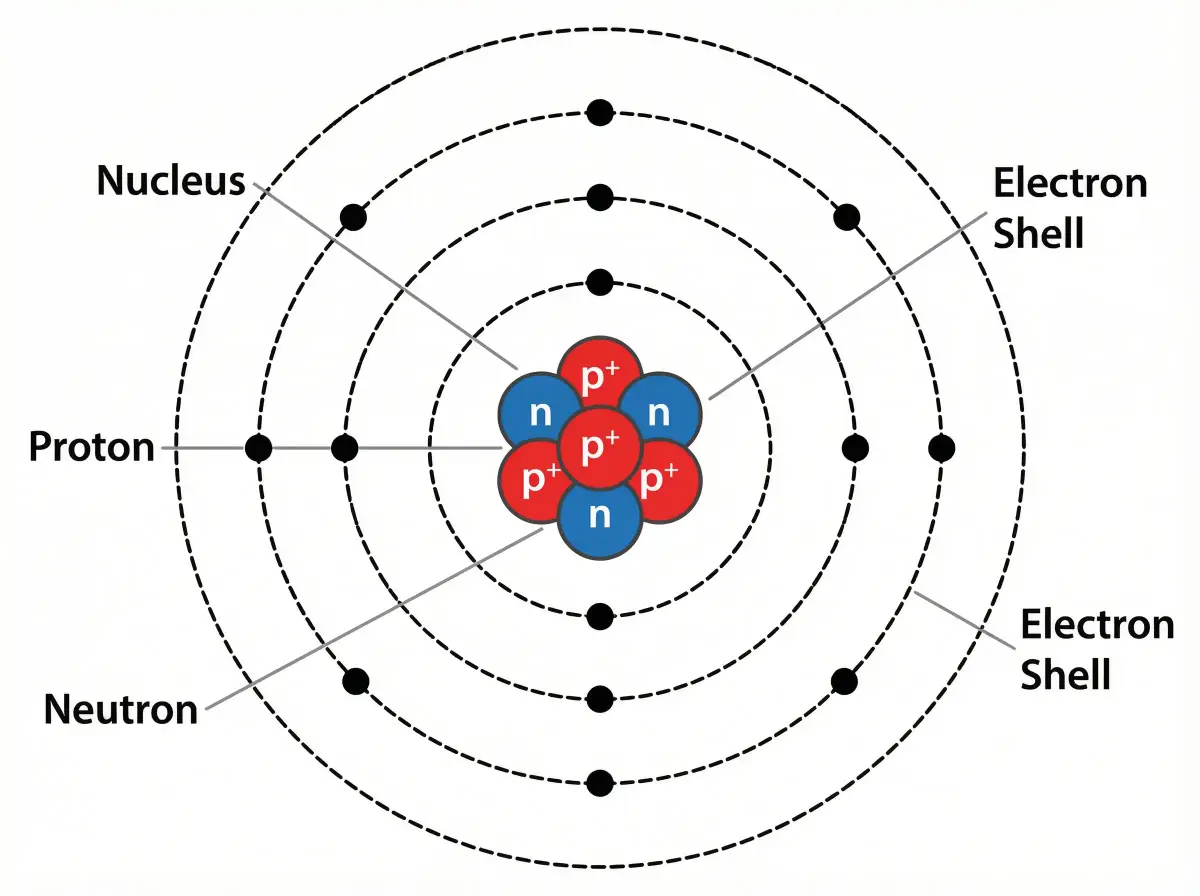
Atom Structure

Atom Structure

Nucleus, electron shells, and subatomic particles

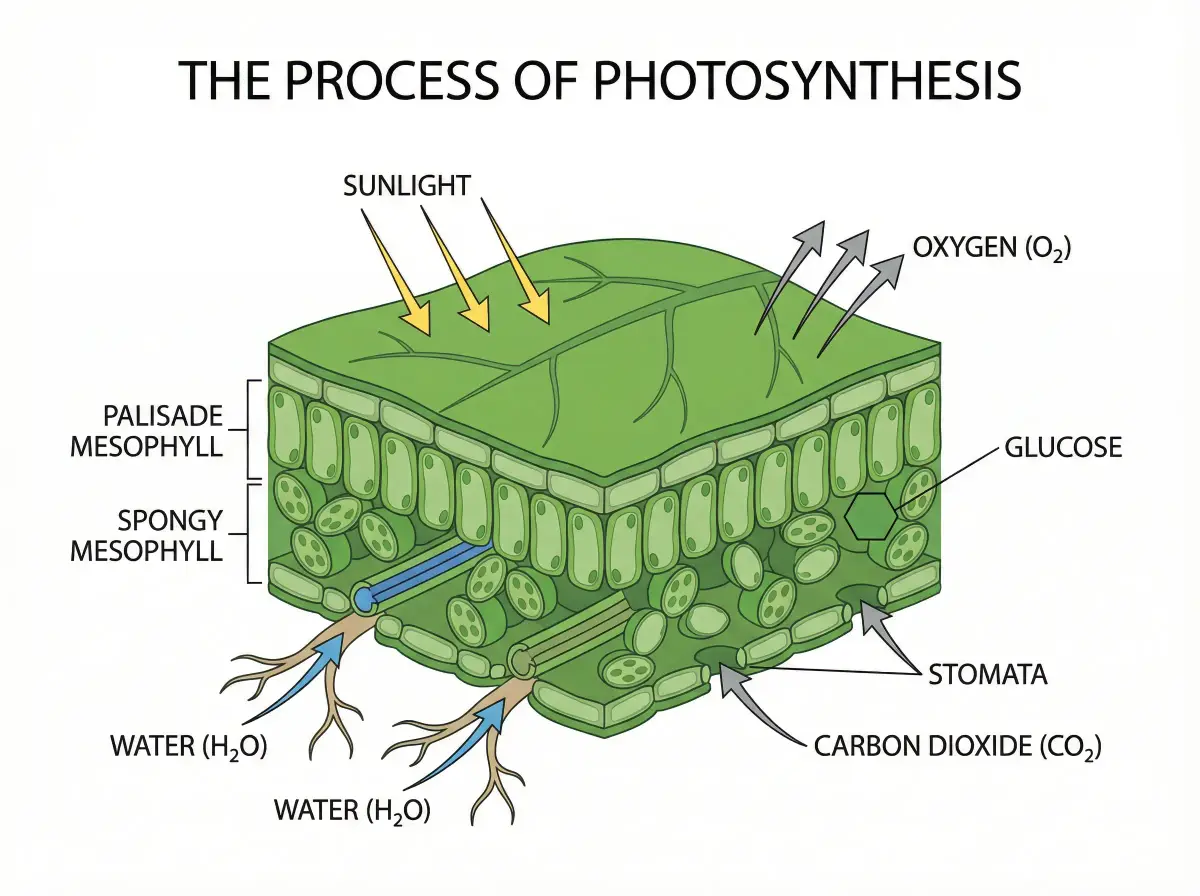
Photosynthesis Process

Photosynthesis Process

Energy conversion from sunlight to glucose

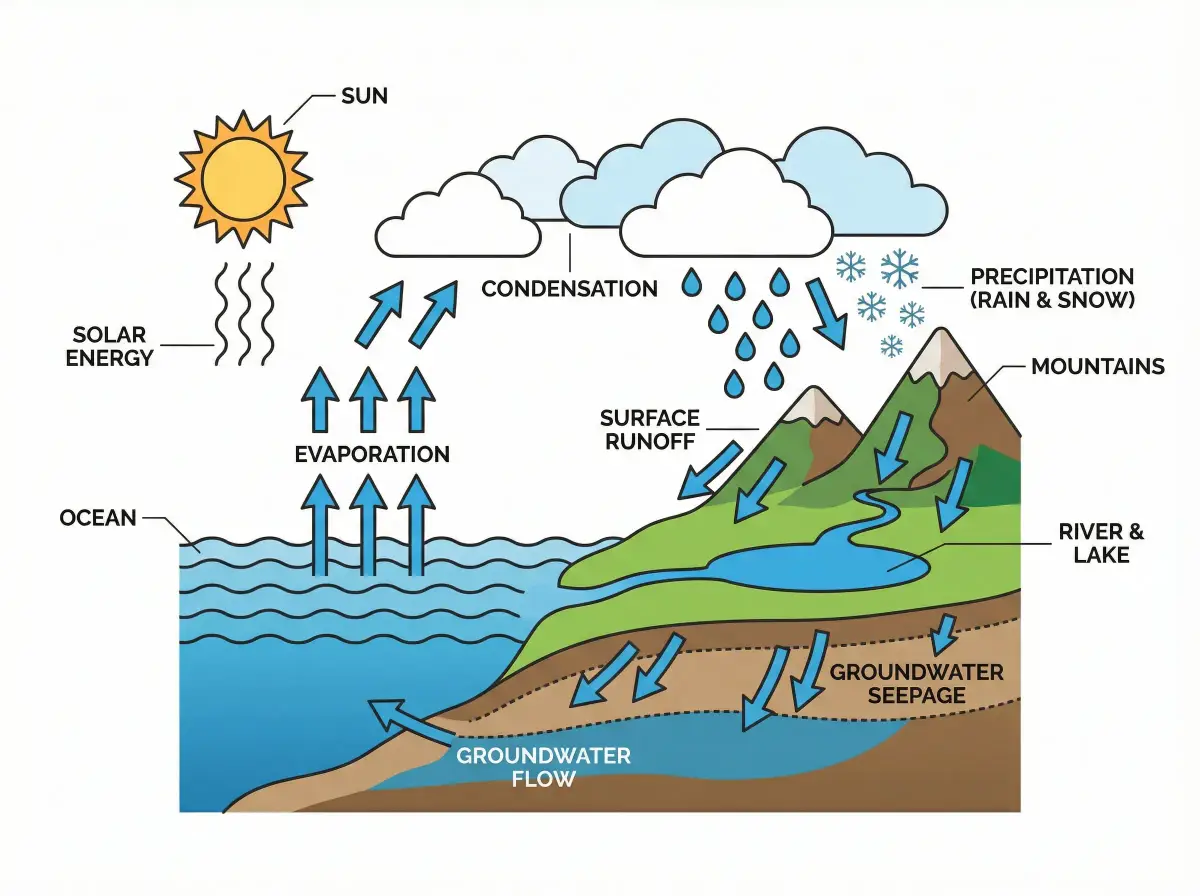
The Water Cycle

The Water Cycle

From ocean evaporation to groundwater return

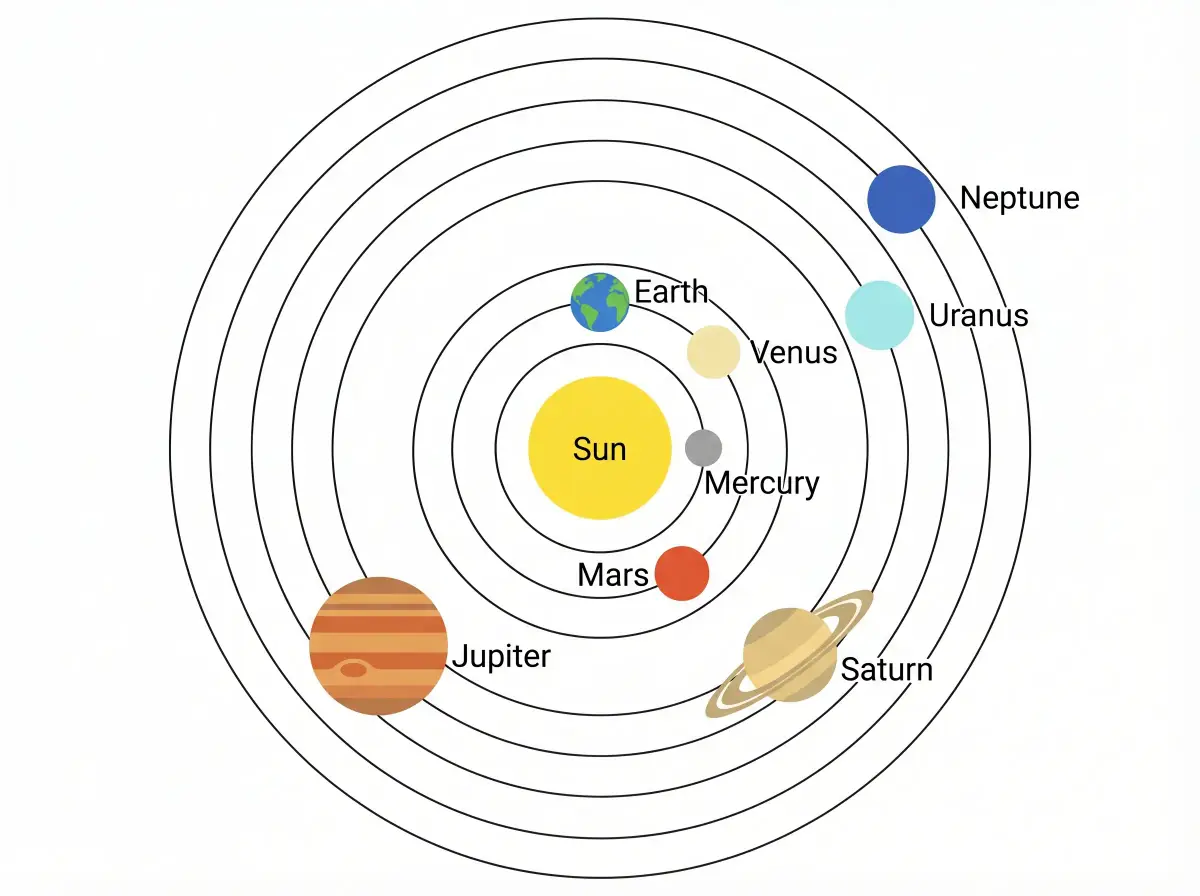
Solar System

Solar System

Eight planets in orbital sequence

What Makes This AI Diagram Maker Different

Not Another Drag-and-Drop Tool

Most diagram tools give you a blank canvas and a toolbar. This one reads what you write and builds the diagram for you.

Semantic

Reads Meaning, Not Just Words

Context-Aware AI Generation

Write "how climate change affects coral reef ecosystems" and the AI identifies the causal chain, feedback loops, and key actors — then arranges them in a diagram that actually communicates the logic.
Versatile

One Input, Many Diagram Styles

Flowcharts, Mind Maps, Hierarchies, Networks

The same description can become a mind map, a flowchart, or a network diagram. Choose a style manually or let the AI pick the one that best fits your topic structure.

Accurate

Layouts That Follow Real Logic

Not Random Box Placement

The AI groups related concepts, positions cause before effect, and uses hierarchy to show importance. The result reads like a diagram a human expert would draw — because the structure comes from understanding, not templates.

Instant

From Description to Diagram in 30 Seconds

Faster Than Opening PowerPoint

Type a paragraph. Click generate. Your diagram is ready before you could have even found the right template in a traditional tool. Regenerate as many times as you need.

Accessible

Anyone Can Make Professional Diagrams

Zero Design Background Required

If you can write an email describing your project, you can make a professional diagram. No tutorials, no learning curve, no fighting with alignment guides.

Flexible Output

4K PNG or Editable SVG — Your Choice

Publication, Presentation, or Post-Editing

Need a quick image for slides? Download 4K PNG. Want to tweak labels and colors? Export SVG and open it in Figma, Illustrator, or Inkscape. All outputs are 300 DPI print-ready.

Start free, upgrade when you need more

Every account gets free credits on sign-up. Need more? Pick a monthly or yearly plan, or a one-time credit pack that never renews.

Student or teacher? Apply for an education discount

Apply now

How People Actually Use It

Real feedback from students, researchers, and instructors who switched from manual diagramming to AI.

Dr

Dr. Rachel Simmons

Postdoc, Stanford School of Medicine

I needed a pathway diagram for a grant proposal due in two days. Drew it by hand, hated it, then described the same pathway here. Night and day difference.

Ca

Carlos Mendes

MBA Student, Columbia Business School

Our group project needed a competitive analysis framework. I typed our strategy notes into the AI diagram maker and the whole team agreed it was better than anything we'd have built in Lucidchart.

Pr

Prof. Yuki Tanaka

Biology Instructor, University of Toronto

I teach three different bio courses. Being able to generate a custom cell diagram or ecosystem chart for each lecture — instead of reusing the same stock images — has changed how my students engage.

AI Diagram Maker — Common Questions

FAQ

Your First AI Diagram, Free

Describe any topic. Get a professional diagram in 30 seconds. No credit card, no design skills, no commitment.

Unlock all tools

One subscription unlocks every Vizcept AI diagram tool — from free body diagrams and syntax trees to biology diagrams and more.

View pricing

Other tools you might like

Explore more AI diagram tools across subjects — from the same discipline and beyond.

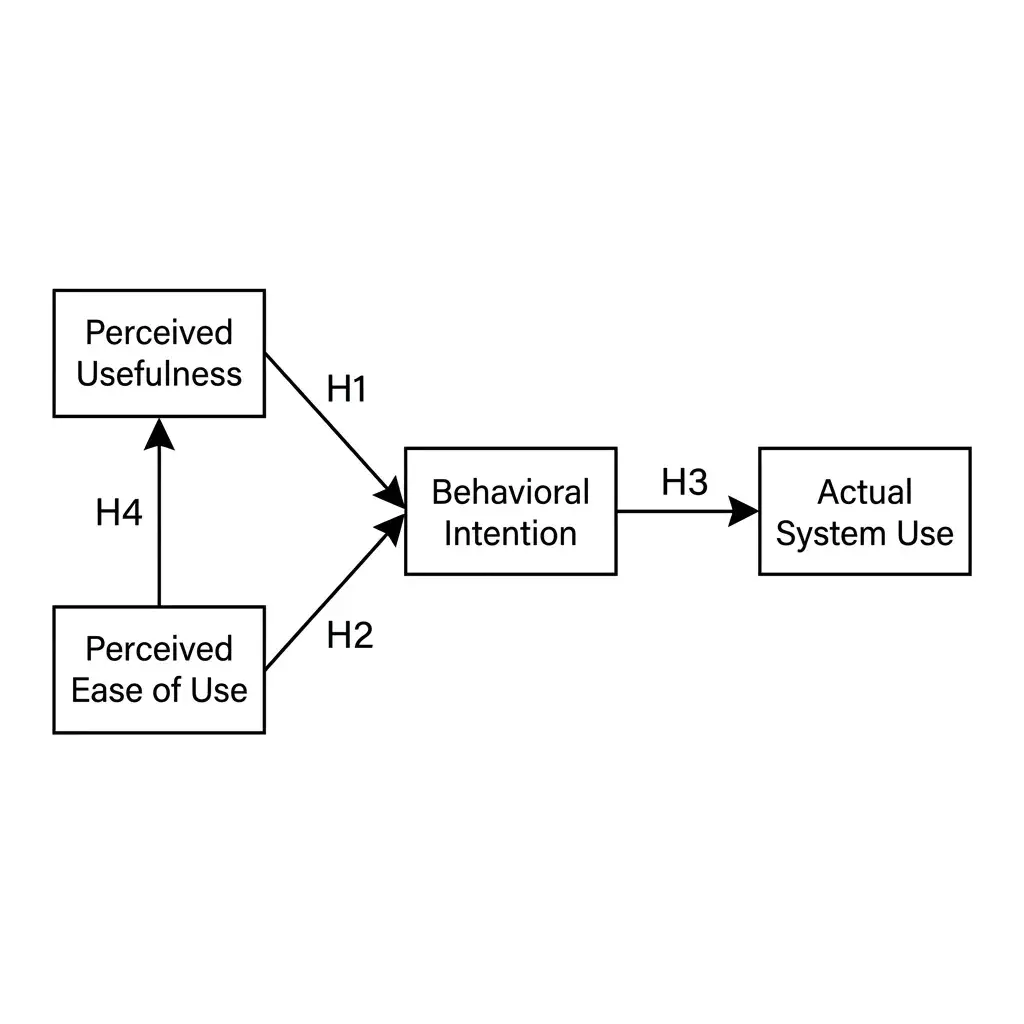
Conceptual Framework GeneratorNew

Conceptual Framework Generator

Turn variables, mediators, moderators, and hypotheses into a labeled conceptual framework for thesis and journal research.

Open tool
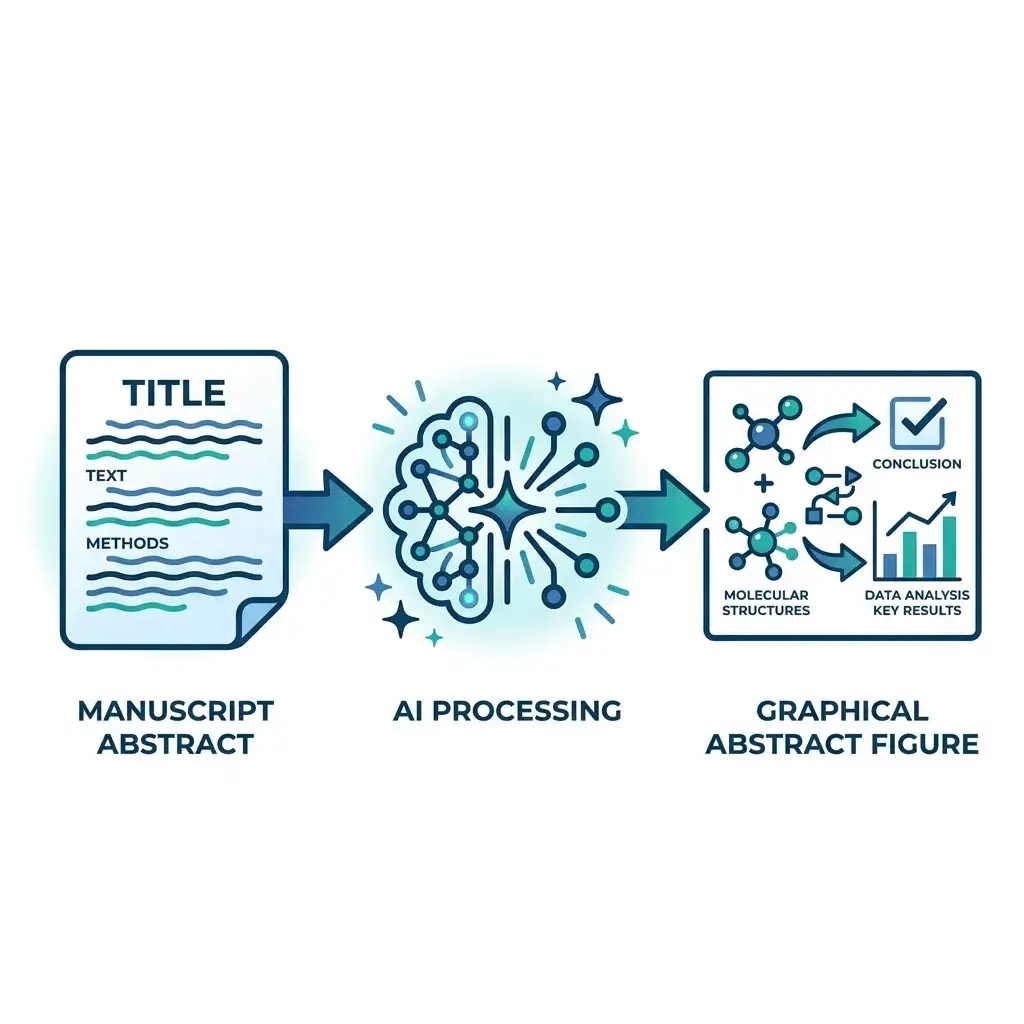
Graphical Abstract MakerNew

Graphical Abstract Maker

Paste your manuscript abstract — get a journal-ready graphical abstract in Elsevier, Cell Press, Wiley, or ACS dimensions in under a minute.

Open tool
Bell Curve MakerNew

Bell Curve Maker

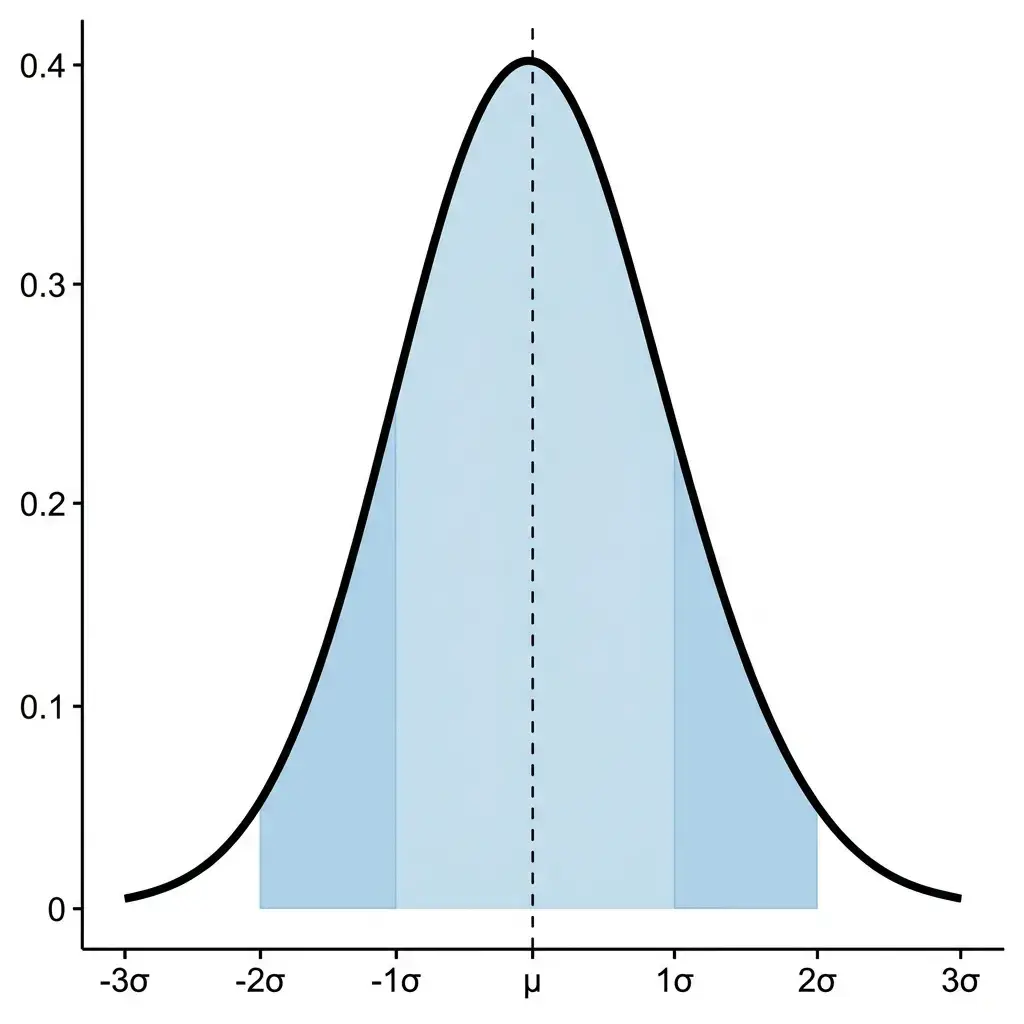
Describe your distribution parameters in plain language and get a publication-ready normal distribution graph with shading, labels, and annotations.

Open tool
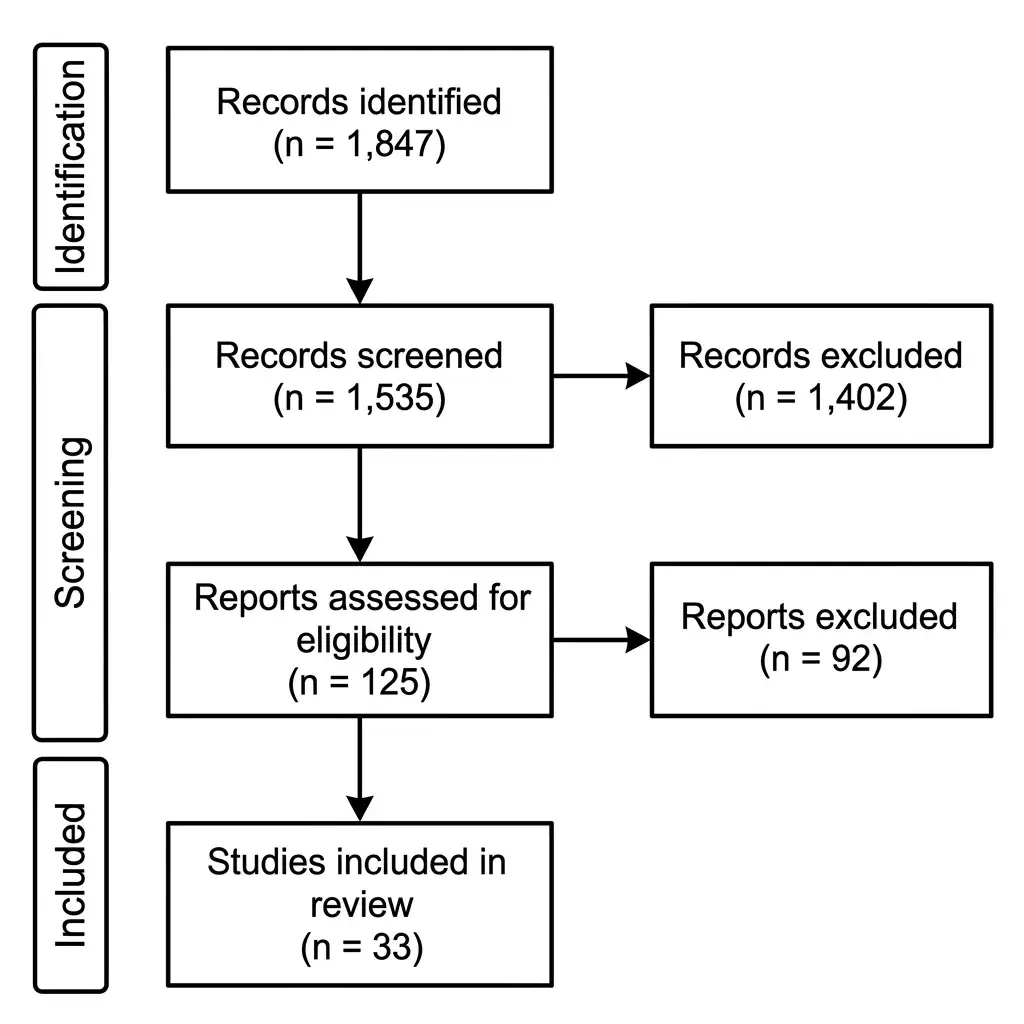
PRISMA Flow Diagram GeneratorNew

PRISMA Flow Diagram Generator

Turn your screening counts into a PRISMA 2020 flow diagram — three phases, exclusion boxes, and PNG 300 DPI or SVG export for systematic reviews and meta-analyses.

Open tool
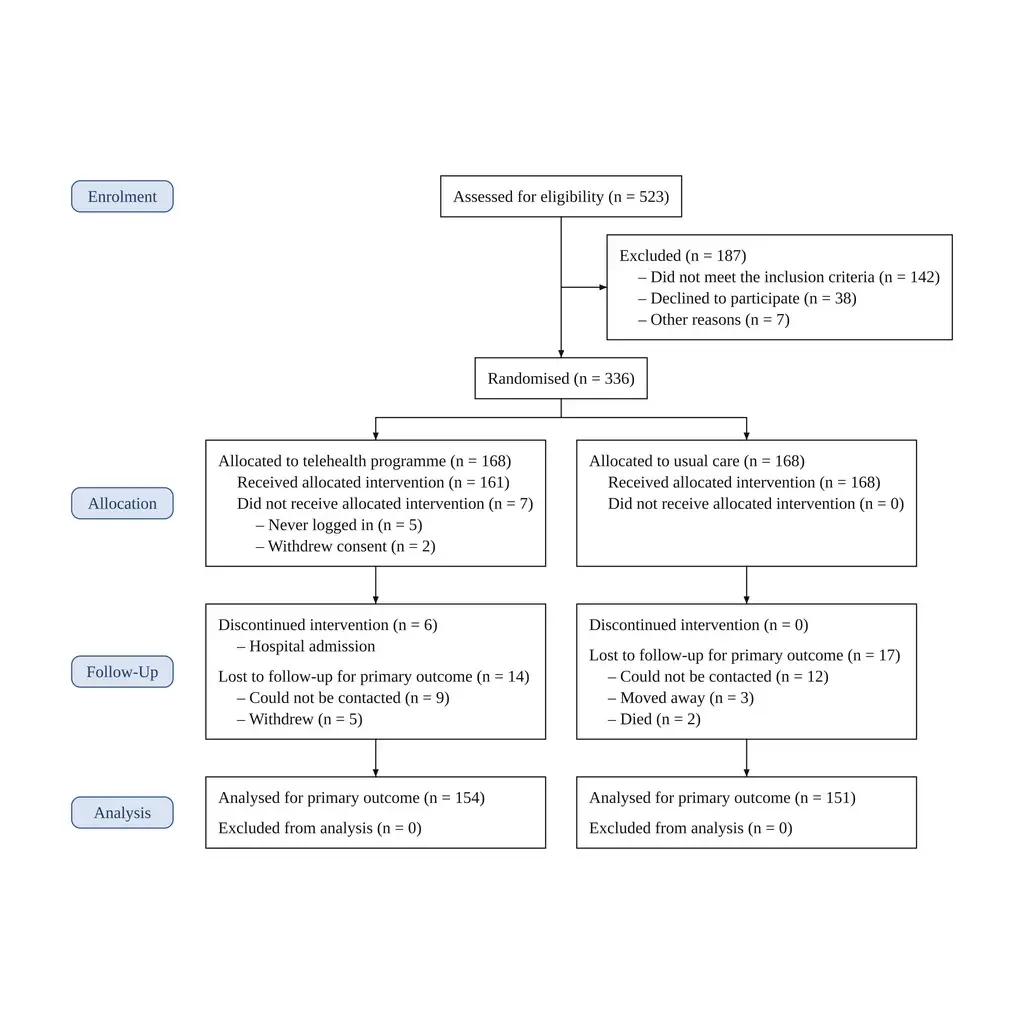
CONSORT Flow Diagram GeneratorNew

CONSORT Flow Diagram Generator

Paste your trial's participant flow and get a CONSORT 2025 flow diagram, counts typeset by code from your text: two to five arms, reasons listed, PNG 300 DPI or SVG.

Open tool
Scientific Color Palette GeneratorNew

Scientific Color Palette Generator

Generate colorblind-safe color palettes for scientific figures — Okabe-Ito, Viridis, Cividis, Crameri Vik, and more — with one-click hex, Python, R, and CSS for journal-ready charts.

Open tool
Scientific Poster GeneratorNew

Scientific Poster Generator

Turn your abstract, methods, and results into a full conference poster — title bar, IMRaD sections, charts, and references, sized for a 48 × 36 in board or an A0 stand.

Open tool
Free Body Diagram Maker

Free Body Diagram Maker

Turn physics problems into clean free body diagrams with forces, angles, and labels drawn for you.

Open tool
Featured on Findly.tools