

How to Make Scientific Diagrams for Research Papers
Scientific diagrams for research papers are not decorations. They are compressed arguments: a reader should understand the mechanism, comparison, workflow, or evidence before they finish reading the caption.
This guide gives you a repeatable way to make scientific diagrams that survive peer review, slide decks, and coauthor comments. The method works whether you start in an AI diagram maker, BioRender, Illustrator, Inkscape, Canva, or a journal template.
Need a first draft before polishing labels and journal sizing? Try the AI Diagram Maker → with your methods paragraph, then edit the structure before submission.
TL;DR: Use the Four-Gate Workflow
To make a scientific diagram for a research paper, pass the figure through four gates:
- Message gate: state the one claim the diagram must prove or explain.
- Evidence gate: decide which data, entities, arrows, labels, and uncertainty markers belong in the figure.
- Journal gate: size the layout for one-column, two-column, or poster use before adding details.
- Editability gate: export a vector or layered file so labels, colors, and captions can be fixed later.
Most weak research diagrams fail because they start with software instead of message design. Pick the diagram type first, then choose the tool that can produce an editable draft.
What Counts as a Scientific Diagram?
A scientific diagram is a visual explanation of a research idea. It can show a mechanism, workflow, apparatus, biological pathway, statistical model, experimental design, or conceptual framework.
It differs from a general illustration in three ways:
| Requirement | What it means in practice |
|---|---|
| It answers a research question | The diagram has a specific claim, not just a topic. |
| It preserves scientific relationships | Scale, direction, grouping, labels, and arrows must be meaningful. |
| It stays editable | Coauthors and journals will ask for label, color, and layout changes. |
For example, a polished cell image is not automatically a scientific diagram. It becomes one when the organelles, treatment condition, signaling path, or comparison is labeled in a way that supports the paper.
Gate 1: Define the Message Before Choosing Software
Write one sentence before opening any tool:
This figure shows how [cause/input] changes [process] to produce [result/output] for [audience].
That sentence prevents visual drift. If a visual element does not support the sentence, remove it or move it to another figure.
Use these message patterns:
| Figure goal | Message pattern | Example |
|---|---|---|
| Mechanism | A affects B through C | Drug X reduces inflammation by blocking pathway Y. |
| Workflow | Step A enables step B | Samples move from collection to sequencing to model validation. |
| Comparison | Group A differs from group B | Treatment shifts the distribution without changing variance. |
| Conceptual framework | Variable A predicts B, moderated by C | Trust changes adoption, but only under high perceived usefulness. |
| Apparatus | Component A connects to component B | Sensor, amplifier, and controller form a closed feedback loop. |
A good scientific diagram is a ruthless filter. It should make one idea easier to inspect, not make every idea visible at once.
Gate 2: Choose the Right Diagram Type
The type should match the evidence. Do not force a pathway into a flowchart or a statistical comparison into a decorative infographic.
| Research need | Use this diagram type | Common mistake to avoid |
|---|---|---|
| Explain biological or chemical steps | Pathway or mechanism diagram | Arrows with no direction or condition labels |
| Explain methods | Workflow diagram | Mixing sample flow, analysis flow, and timeline in one line |
| Show theory or variables | Conceptual framework | Using arrows that imply causality without support |
| Show study selection in a review | PRISMA flow diagram | Counts that do not add up from one box to the next |
| Show experiment setup | Apparatus or schematic diagram | Drawing realistic equipment when a simplified schematic is clearer |
| Show model architecture | Layered model diagram | Omitting inputs, outputs, or training/evaluation split |
| Show paper-level summary | Graphical abstract | Stuffing all results into one crowded panel |
If you cannot name the diagram type, you probably have not defined the figure job yet.
Gate 3: Pick the Tool Based on Editability
The search results for this topic are split across forums, tool pages, videos, and how-to guides. That split reflects a real workflow problem: researchers do not need one universal tool. They need the right starting point for the figure stage.
| Starting point | Better tool choice | Why |
|---|---|---|
| You have a paragraph and need a first visual structure | AI diagram maker | Fast draft from text, useful for ideation and coauthor alignment |
| You need a life-science icon library | BioRender or Mind the Graph | Fast access to common biological icons and templates |
| You need fully custom vector polish | Illustrator or Inkscape | Precise editing, typography, and export control |
| You need simple teaching or slide diagrams | Canva or Google Drawings | Low setup cost and quick template layout |
| You need math-heavy diagrams | LaTeX/TikZ, Mathcha, or Inkscape | Better control over notation and geometry |
Use AI for structure, not final truth. Any AI-generated scientific schematic needs a human pass for labels, terminology, scale, and unsupported claims.

Gate 4: Build the Base Structure First
A reliable build order is:
- Place the major entities, groups, or steps.
- Add arrows and relationships.
- Add labels only after the structure is stable.
- Reduce color to functional categories.
- Resize for the target journal or slide format.
- Export an editable file before exporting PNG or PDF.
This order matters because labels and colors hide structural mistakes. If the layout is wrong, prettier colors will make the error harder to notice.
For an AI-first workflow, use a prompt like this:
Create a clean scientific diagram for a research paper.
Audience: [field or reader level].
Message: [one-sentence claim].
Entities: [list key variables, steps, treatments, or components].
Relationships: [arrows, comparisons, sequence, feedback loops].
Style: minimal journal figure, white background, readable labels.
Constraints: no unsupported mechanisms, no decorative icons, leave room for caption.
Output: editable diagram draft with clear hierarchy.
Then revise the output with a second prompt that targets structure, not style:
Simplify the figure to one main message. Remove decorative elements.
Make the arrow directions explicit. Keep labels under six words.
Separate methods steps from results. Use only three functional colors.
Common Mistakes That Delay Submission
Mistake 1: Making the figure look realistic instead of readable
Realistic images often add texture, shadows, and perspective that do not help the argument. Research diagrams usually need abstraction.
Fix it by asking: what is the minimum shape set that preserves the relationship?
Mistake 2: Using color as decoration
Color should encode groups, conditions, risk, direction, or sequence. If two colors do not mean different things, make one of them neutral.
For accessibility, review color choices against colorblind-safe palettes. The PLOS article Ten Simple Rules for Better Figures is a useful reference for clarity and figure design.
Mistake 3: Exporting only a raster image
PNG is fine for previews, but coauthors often need editable text and line work. Save SVG, PDF, AI, or layered source files before uploading the final figure.
Mistake 4: Letting AI invent scientific details
AI can draft structure, layout, and labels. It should not invent mechanisms, citations, protein names, disease relationships, or experimental outcomes.
If a label changes the scientific meaning, verify it against your methods, results, or cited literature before keeping it. (What to proofread in AI-drawn figures.)
Mistake 5: Ignoring image integrity rules
Do not manipulate microscopy, gels, blots, or quantitative images in a way that changes interpretation. Nature Portfolio's image integrity policy is a practical starting point for what journals watch closely.
Submission Checklist
Before the diagram goes into a manuscript, check:
- The caption can explain the full figure without adding missing assumptions.
- Every arrow has a direction and a meaning.
- Every abbreviation is defined in the caption or figure.
- Text remains legible at the final print size.
- Colors remain distinguishable in grayscale or colorblind simulation.
- Axes, scale bars, treatment labels, and units are present where needed.
- The file is exported in the format requested by the journal.
- The editable source file is stored with the manuscript assets.
The National Library of Medicine's PubMed Central image quality guidance is also worth checking when figures need to meet archival or publication standards.
FAQ
What is the difference between a scientific diagram and a scientific illustration?
A scientific illustration can be a visual depiction of an object, organism, or process. A scientific diagram is more explicit about relationships: arrows, labels, hierarchy, sequence, scale, or comparison usually carry the meaning.
Can I use AI to make scientific diagrams for papers?
Yes, but use it as a draft assistant. AI is useful for converting a paragraph into a visual structure, but the researcher must verify labels, relationships, terminology, and whether the figure implies unsupported causality. Publishers also differ on where to disclose it; see the journal AI figure rules.
Which file format should I export?
Keep an editable source file and export a submission-ready version. SVG or PDF is useful for vector diagrams. PNG or TIFF may be required for raster images, microscopy, or journal upload systems.
How many colors should a scientific diagram use?
Use as few as the message allows. Three functional colors plus neutral gray is often enough: one for inputs, one for process, one for output or emphasis.
What should I do if my diagram looks crowded?
Split it. One crowded figure usually becomes two stronger figures: a main mechanism diagram and a supporting workflow, comparison, or detail panel.
Conclusion
The fastest way to make scientific diagrams for research papers is not to start with a blank canvas. Start with the claim, choose the diagram type, draft the structure, then polish only after the science is correct.
A diagram that survives review is not the most decorative version. It is the version where every label, arrow, color, and export choice helps the reader trust the research.
Table of Contents
Author
Categories
Tags
More Posts
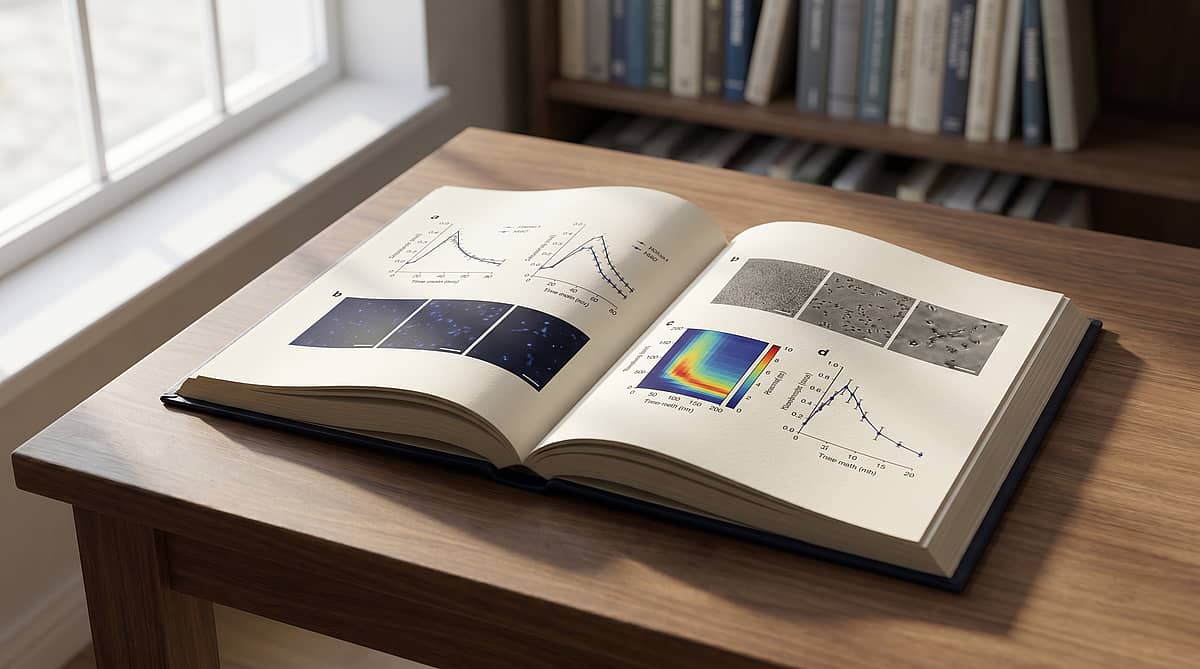
How to Make Multi-Panel Figures for Nature & Science (2026)
A 2026 playbook for composing Nature- and Science-grade multi-panel figures — from the editorial spec sheet to a panel-as-sentence narrative grid and a rejection-proof self-audit.

10 Color Palettes for Scientific Publication (with Hex Codes & Examples)
A practical guide to the ten color palettes most used in Nature, Science, and Cell research papers — with hex codes, journal compatibility, and Matplotlib/R snippets you can paste in.
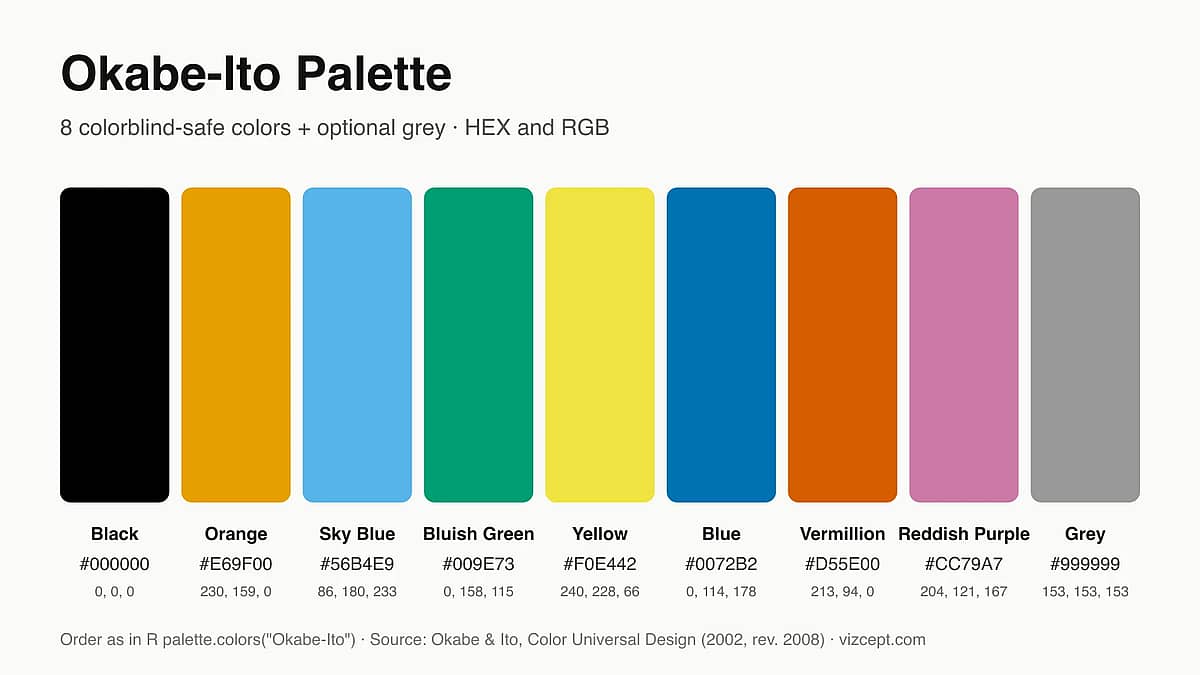
Okabe-Ito Palette: Why It's the Gold Standard for Scientific Figures
A complete guide to the Okabe-Ito palette — where it came from, why those exact eight colors, when to use it, and how it compares to other colorblind-safe palettes.
Newsletter
Join the community
Subscribe to our newsletter for the latest news and updates
